
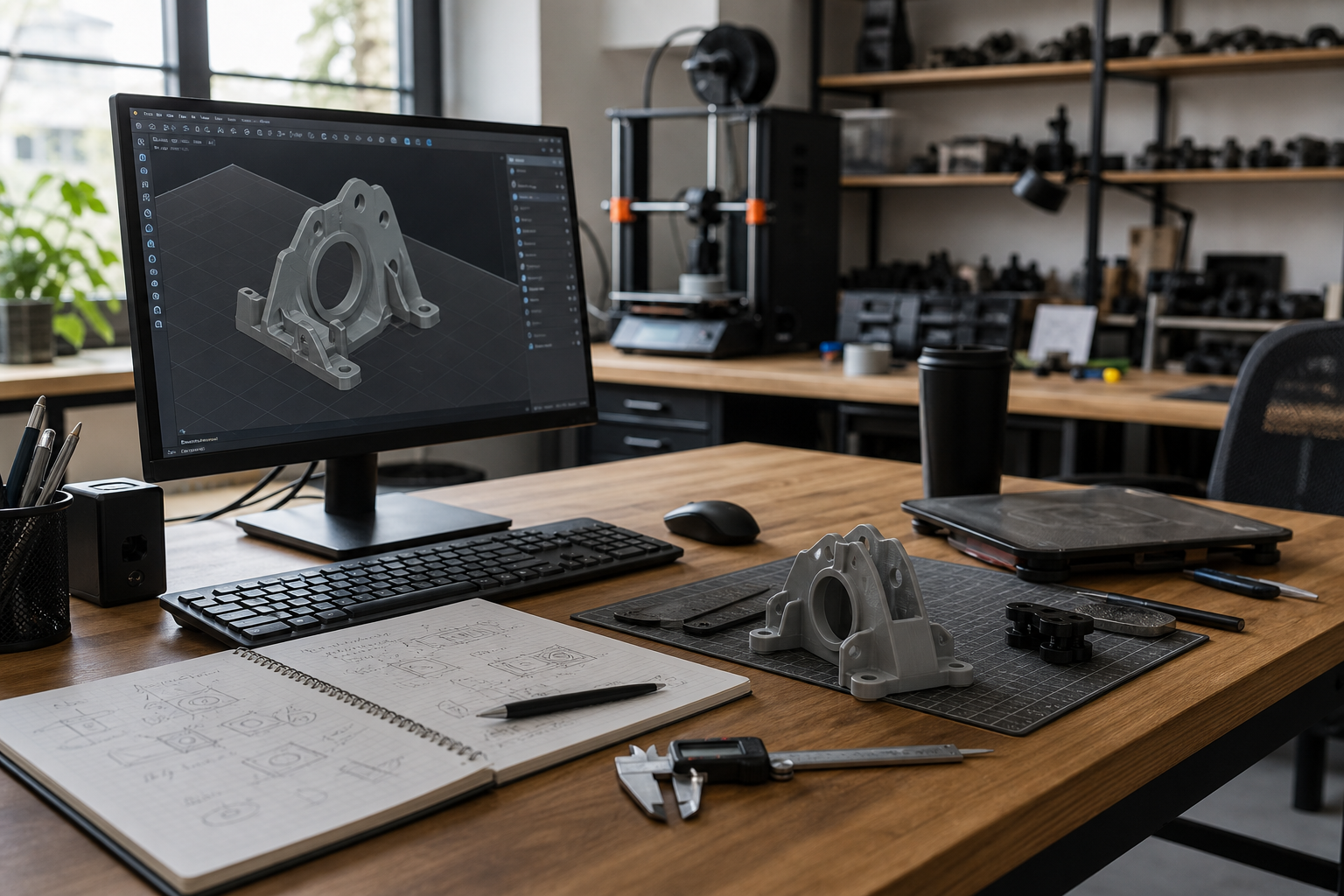
1. Starting the print before the model is ready
One of the most common mistakes is treating the file as finished when it still needs work. A model can look fine on screen and still be awkward to print if it has thin walls, unsupported overhangs, or parts that will not fit together properly. Before any slicing happens, we check whether the geometry actually suits the material and the printer.
The simplest habit is to ask a hard question: would this still be a good design if it had to be printed tomorrow? If the answer is no, the file needs another pass. That extra review often prevents the kind of failure that would otherwise waste several hours and a good amount of material.
2. Ignoring orientation and support planning
Poor orientation is one of the fastest ways to make a print harder than it needs to be. If the object is rotated badly, it may need too much support, create visible support scars, or weaken along a surface that should have been cleaner. A better angle can improve the finish and reduce post-processing at the same time.
We look at the object as it will actually be built, not just as it appears in the modelling software. Sometimes a simple rotation changes everything. Other times the design itself needs a small adjustment so the support contact points land somewhere less visible. Support planning is not a cleanup stage. It is part of the design process.
3. Using the wrong material for the job
Material choice has a direct effect on print success. PLA is often the easiest and most forgiving starting point, but it is not the best answer for every situation. Resin can capture detail very well, but it is more demanding to finish and handle. PETG offers more toughness, but it may need different settings and more care during printing.
A common mistake is choosing a material based on what looks premium rather than what the object needs to do. A decorative model and a functional clip are not the same problem. If the material does not match the use case, the print may technically succeed while still failing in practice.
4. Rushing setup and skipping basic checks
A surprising number of failed prints happen because of rushed setup. Bed leveling, adhesion, filament condition, temperature selection, and clearances all deserve a quick check before the job starts. These are not glamorous tasks, but they are the difference between a print that begins cleanly and one that peels, shifts, or strings badly.
We prefer a slower start because it is cheaper than a restart. If the printer is not ready, the answer is not to hope harder. The answer is to fix the setup before the machine is asked to commit hours of work. That is a practical habit, not a perfectionist one.
5. Treating post-processing as optional
Another mistake is to assume that the print is done the moment the machine stops. In reality, the finish often depends on what happens next. Support removal, sanding, cleaning, curing, and basic inspection all affect the final quality. If those steps are skipped or rushed, the object may still be usable, but it will not feel complete.
This is especially important for display pieces and customer-facing products. A print that looks rough, dirty, or uneven will not carry the same value as one that has been cleaned and checked properly. Post-processing is where the workshop standard becomes visible.
6. How to avoid most mistakes
The most reliable way to avoid mistakes is to slow the process down at the beginning. Check the model, check the material, check the orientation, and check the printer itself. If any part of the setup feels uncertain, fix that uncertainty before starting the print. That habit prevents more failures than any single slicer trick.
At 4leafx, we treat prevention as part of the build. The aim is not to make printing complicated. The aim is to make it predictable. That is what separates a tidy, repeatable workshop process from guesswork.